
Canva is an online design and publishing tool. You can use Canva to post assignments.
To post Canva assignments in Canvas, first create an assignment in Canva. In Canva, assign via the Assign button on the upper right and use the Assign via link:
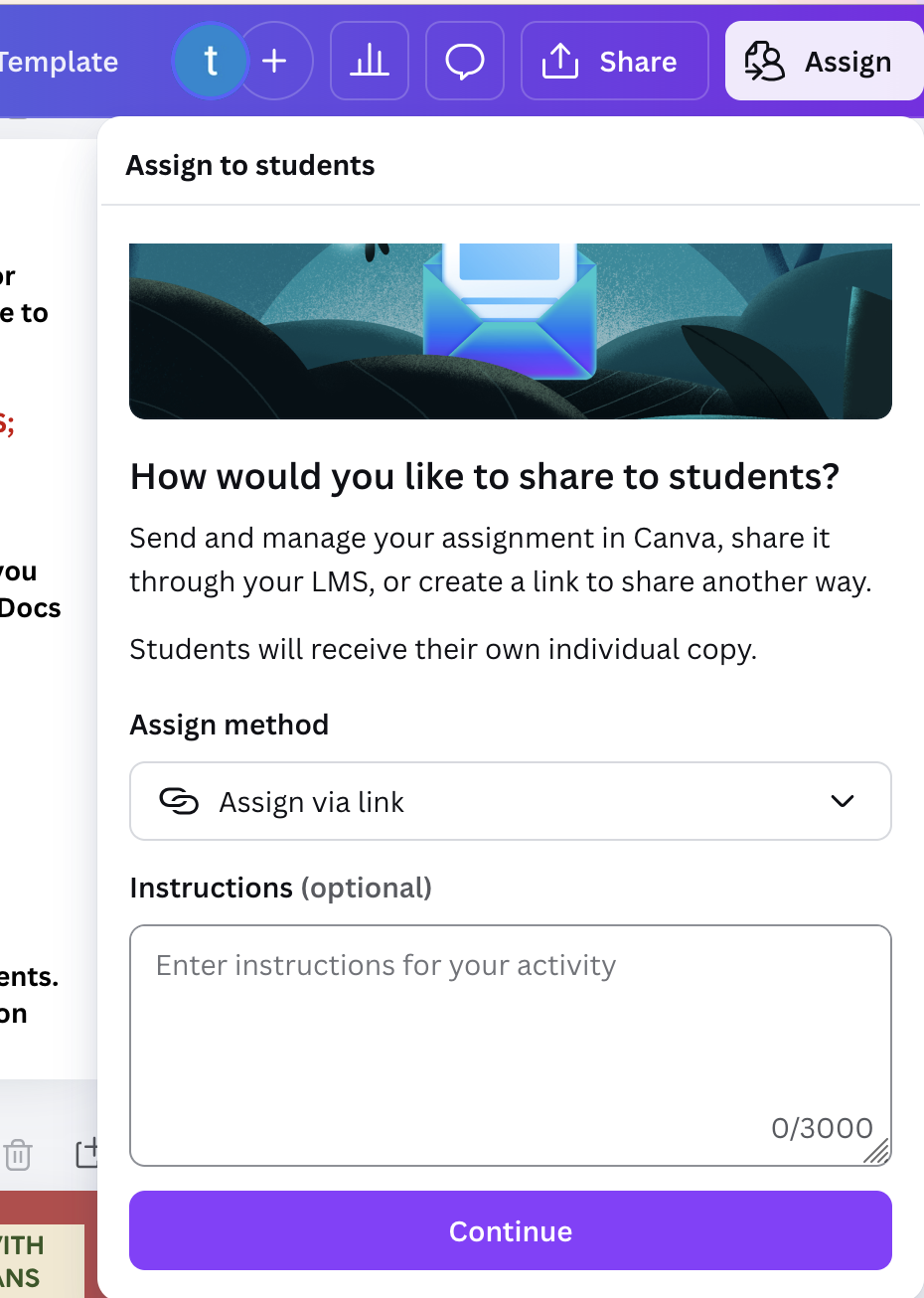
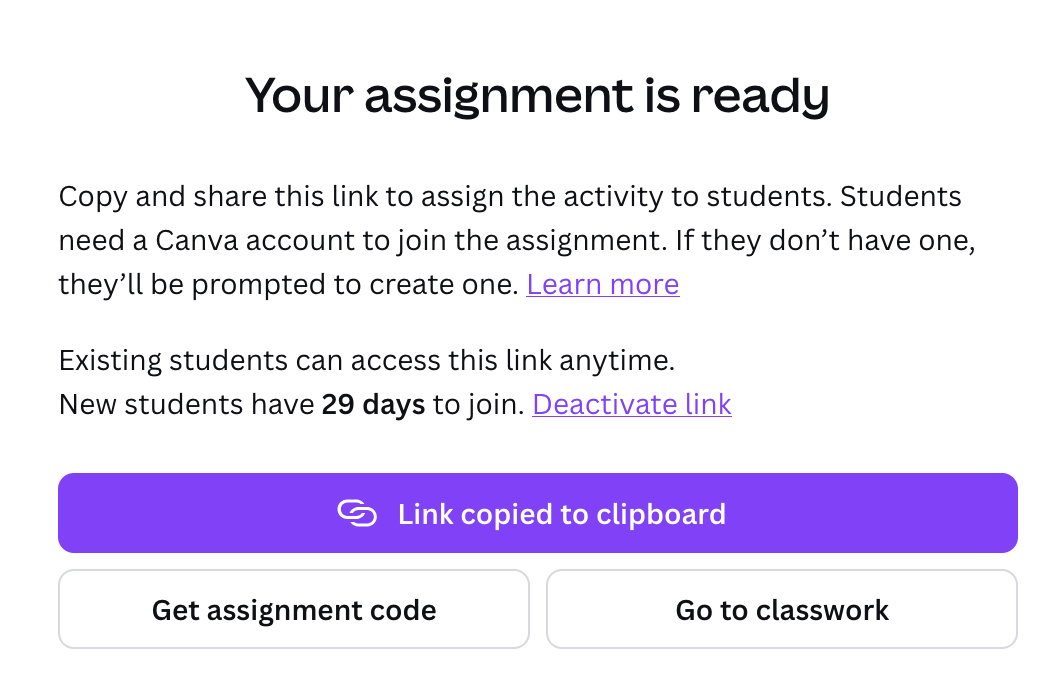
You will get a link that will automatically be copied to your clipboard.
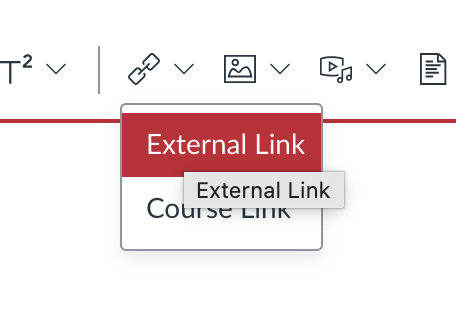
In Canvas, create an assignment. You can embed the assignment there as an externall link:
There is nothing else to do here. The assignment will be posted and students only need to clink the link and they will be ready to begin work on the assignment in Canva.